
Alert emails
Problems of your applications emailed to the project's contact email
Granite emails the project’s contact email when an application has a problem and when it recovers. Alert emails are on for every project by default and work independently of webhooks.
What is emailed
Problems and their recoveries from the application events:
- a healthcheck fails and recovers;
- a resource is down and back up;
- a container runs out of memory;
- a container keeps crashing, and stops;
- an image cannot be pulled, or a configuration error prevents a container from starting — and when that is fixed;
- a cron run fails;
- a deployment or a build fails.
Restarts, partly available resources, successful cron runs and deployment progress are not emailed; you can see them on the Events tab.
How often
Events are grouped into one email per application. The first problem is emailed about 2 minutes after it happens, so related events — a failing healthcheck and the resource going down — arrive together. After that an application gets at most one email every 30 minutes; everything that happens in between is included in the next email.
Each email lists the events with their time (UTC), resource and details, and links to the application’s event log.
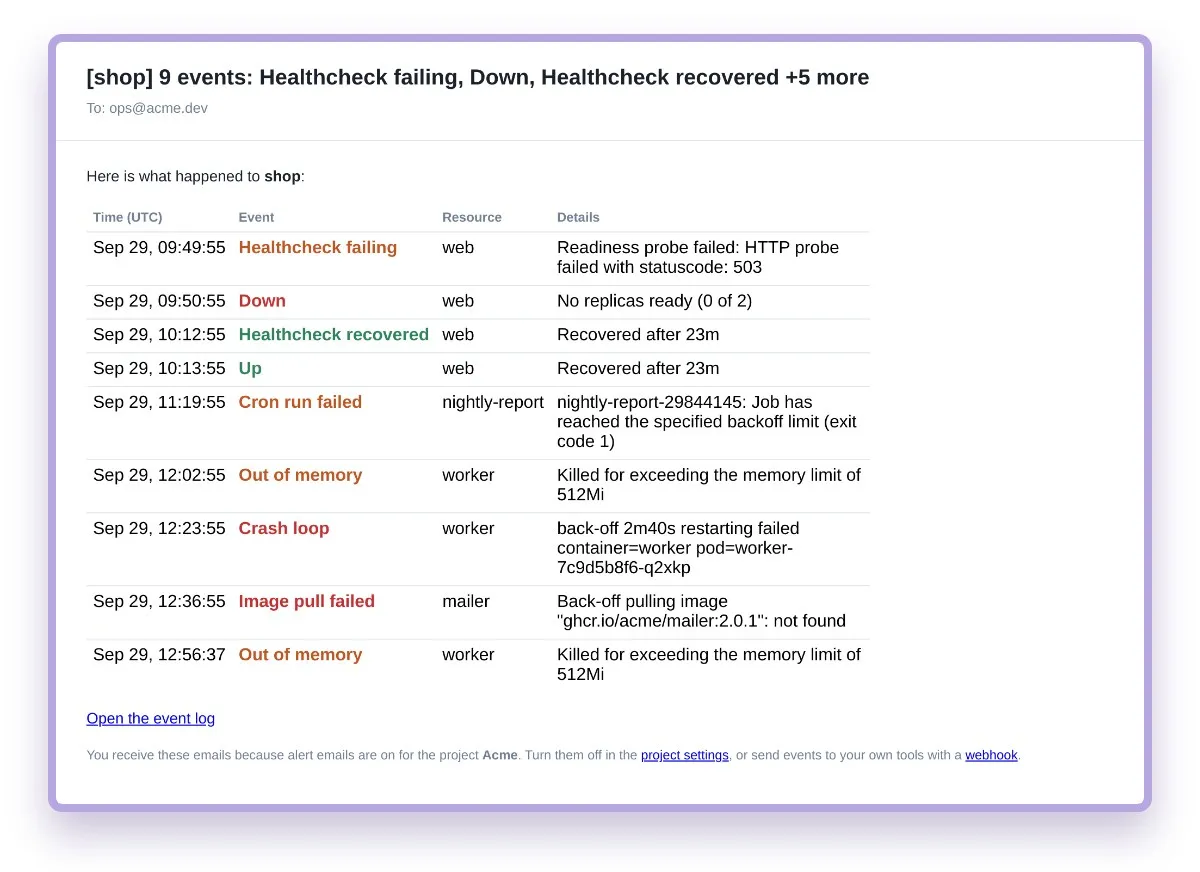
Turn alert emails off or change the address
- Open Project settings.
- Switch Alert emails off, or change Contact email to send alerts elsewhere.
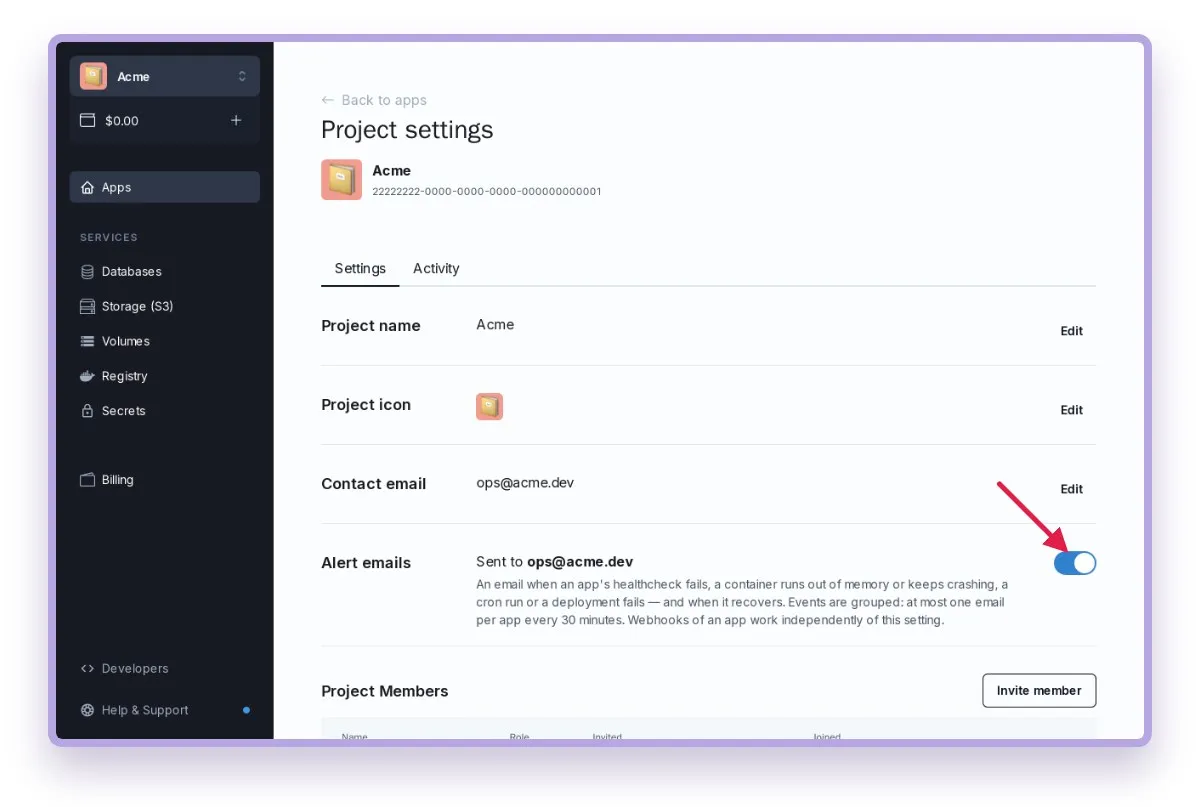
The setting applies to all applications of the project. Changing it does not affect webhooks.